Route data to Delta Tables in Azure Blob Storage
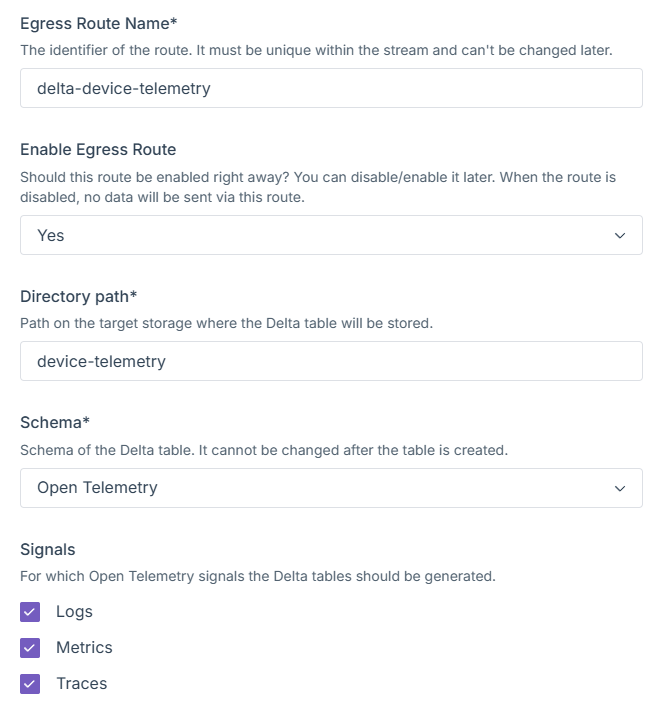
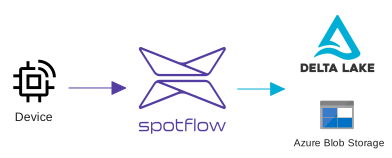
Data streams from devices can now be directly inserted into Delta Tables backed by Azure Blob Storage. This feature is provided as a new Egress Sink kind to which both new and existing streams can be routed.
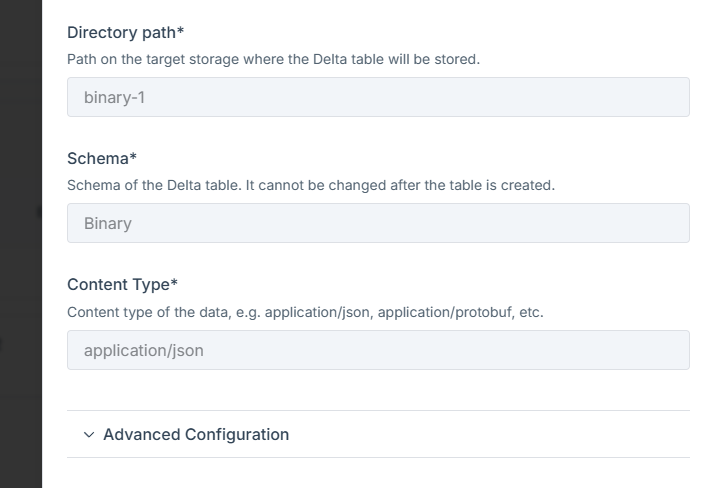
The target Azure Blob Storage container is specified via connection string and container name. The Delta Table is created in the specified container, and the data is inserted into it. Optionally, a static prefix of the target path can be added.
The created Delta Table contains several predefined columns, such as stream_name, message_id or ingress_enqueued_date_time as well column payload_line with content of the stream message.
See detailed documentation in Delta Egress Sink page.
The new egress sink can be configured via API. Support in CLI and Portal is not yet available.
Creating egress Sink
$body = @{
properties = @{
config = @{
delta = @{
azureBlobStorage = @{
connectionString = "AccountName=...;AccountKey=..."
containerName = "delta"
}
}
}
}
}
$uri = "https://api.eu1.spotflow.io"
$uri += "/workspaces/$workspaceId"
$uri += "/egress-sinks/delta-example"
Invoke-WebRequest `
-Method Patch `
-Uri $uri `
-Headers @{ "Authorization" = "Bearer $token" } `
-ContentType "application/json" `
-Body ($body | ConvertTo-Json -Depth 10)
Creating egress route
$body = @{
properties = @{
egressSinkName = "delta-sink-sample"
config = @{
delta = @{
directoryPath = "sample-path"
}
}
}
}
$uri = "https://api.eu1.spotflow.io"
$uri += "/workspaces/$workspaceId"
$uri += "/stream-groups/$streamGroupName"
$uri += "/streams/$streamName"
$uri += "/egress-routes/delta-route-sample"
Invoke-WebRequest `
-Method Patch `
-Uri $uri `
-Headers @{ "Authorization" = "Bearer $token" } `
-ContentType "application/json" `
-Body ($body | ConvertTo-Json -Depth 10)